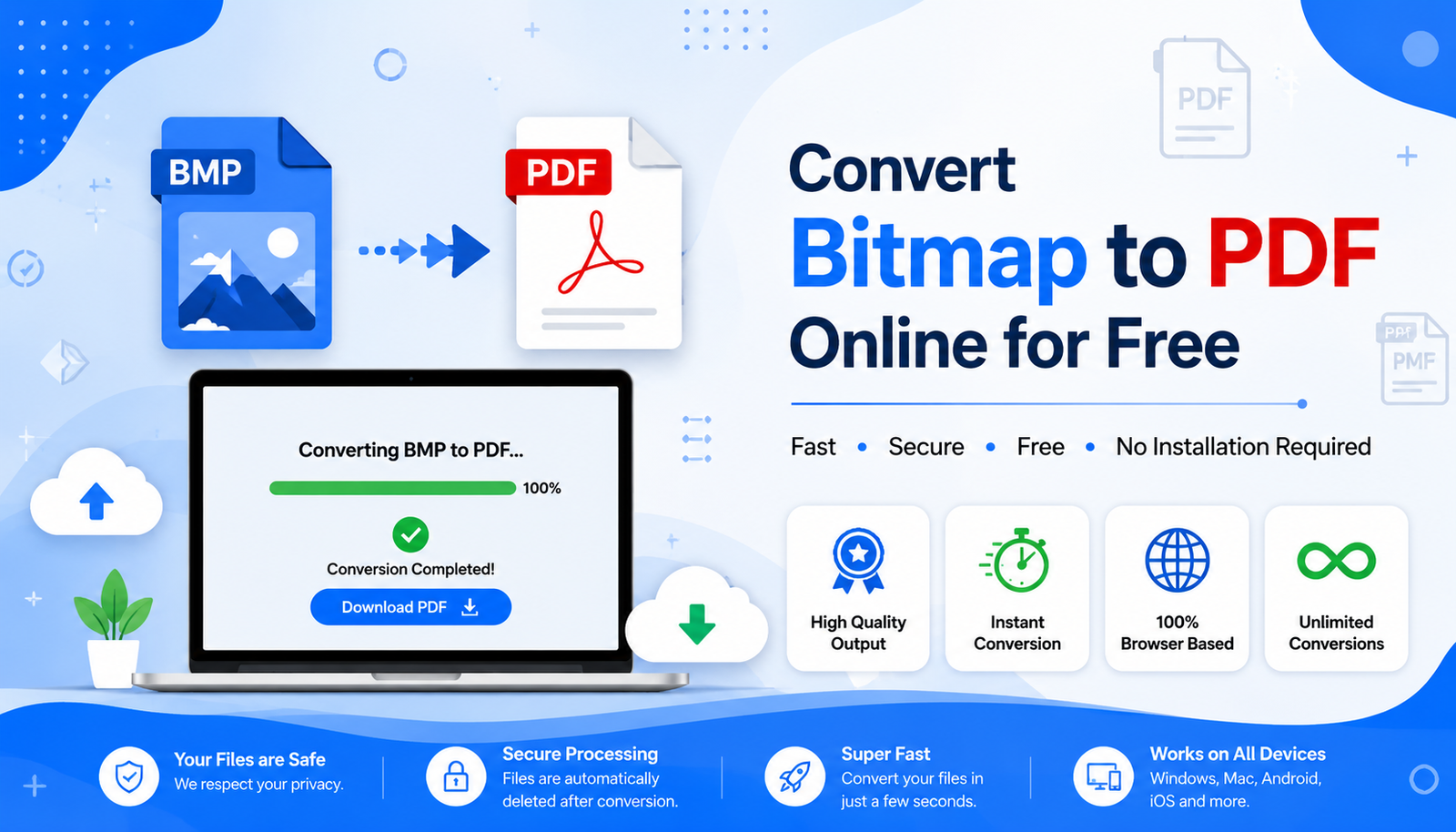
Bitmap to PDF conversion is one of the most useful ways to turn large, uncompressed BMP images into compact, shareable documents. This guide answers the most common questions about converting bitmap images into PDF, along with troubleshooting tips, security advice, and best practices for anyone using CodexJunction’s converter.
1. What is a BMP File?
A BMP (Bitmap) file is an uncompressed raster image format developed by Microsoft. It stores image data pixel by pixel, preserving high image quality but resulting in larger file sizes compared to formats like JPEG or PNG. Understanding this is the first step before running a Bitmap to PDF conversion.
2. Why Should I Convert Bitmap to PDF?
Using Bitmap to PDF conversion offers several benefits:
- Easier document sharing
- Better compatibility across devices
- Professional presentation
- Multi-page document support
- Simplified printing
- Better organization
3. Will Converting Bitmap to PDF Reduce Image Quality?
Generally, no. A quality Bitmap to PDF converter embeds the BMP image into the PDF while preserving its original resolution. However, if the image is resized excessively or compressed during conversion, quality may be affected.
4. Can I Combine Multiple BMP Images Into One PDF?
Yes. Most modern Bitmap to PDF converters allow you to merge multiple BMP images into a single PDF document, making it easier to organize scanned pages or reports.
5. Can I Open a PDF on Any Device?
Yes. PDF is supported on Windows, macOS, Linux, Android, iPhone, and tablets. You can view PDFs using popular applications like Adobe Acrobat Reader or built-in PDF viewers available on most devices — one of the reasons Bitmap to PDF conversion is so widely used.
6. Is BMP Better Than PDF?
Not necessarily — they serve different purposes. BMP is ideal for editing high-quality images, while PDF is designed for sharing, printing, and archiving documents. If your goal is to distribute or store documents, Bitmap to PDF conversion is the better choice.
7. Is the CodexJunction Bitmap to PDF Converter Free?
Yes. The CodexJunction Bitmap to PDF Converter is completely free to use and works directly in your browser without requiring software installation.
Use it here: 👉 https://codexjunction.com/apps/bitmap-to-pdf.html
Troubleshooting Common Bitmap to PDF Issues
Even though Bitmap to PDF conversion is straightforward, users may occasionally encounter issues.
PDF File is Too Large
Possible reasons: high-resolution BMP images, multiple images combined into one PDF, large original file sizes.
Solution: Resize images before conversion if appropriate, and use only the necessary pages.
Blurry PDF Output
Possible reasons: low-quality original image, incorrect scan settings, image resizing during editing.
Solution: Always start with a high-resolution BMP image before running the Bitmap to PDF conversion.
PDF Won’t Open
Possible reasons: incomplete download, corrupted file, outdated PDF viewer.
Solution: Download the PDF again, update your PDF reader, or use a reliable browser or PDF viewer.
Tips for Better Bitmap to PDF Documents
Follow these best practices to create clean and professional PDFs.
Use Meaningful File Names
Instead of scan001.pdf, use something like Employee_ID_Card.pdf. Descriptive names make files easier to locate and understand.
Keep Images Properly Aligned
Ensure scanned pages are straight before conversion to improve readability.
Remove Unnecessary Backgrounds
Crop out unwanted borders or shadows around the document.
Organize Multi-Page Documents
If you’re combining multiple BMP images, arrange them in the correct order before conversion.
Archive Important Files
PDF is a widely accepted format for long-term document storage, making Bitmap to PDF conversion suitable for important records, as recommended in the Library of Congress’s sustainability guidelines for digital formats.
Security Tips for PDF Documents
PDF files can include additional security features such as:
- Password protection
- Printing restrictions
- Copy restrictions
- Digital signatures
- Encryption
If you’re sharing sensitive documents, consider adding appropriate security measures using a PDF editor after your Bitmap to PDF conversion. For guidance on PDF encryption standards, see Adobe’s overview of PDF security.
Bitmap to PDF for Students
Students often need to submit handwritten assignments, upload project reports, share scanned notes, and archive certificates. Converting BMP images into a PDF with Bitmap to PDF ensures that all pages are neatly organized into a single file, making submissions easier.
Bitmap to PDF for Businesses
Businesses commonly use Bitmap to PDF conversion for contracts, invoices, purchase orders, receipts, employee records, product catalogs, and client documentation. PDF simplifies document management and enhances professionalism.
Bitmap to PDF for Developers
Developers frequently build applications that require document uploads. Examples include job portals, school management systems, hospital management software, banking applications, and insurance claim systems. In many of these applications, uploaded BMP images are automatically converted into PDF for standardized storage and sharing. Understanding Bitmap to PDF conversion is valuable for freshers entering web or software development.
Related Resources on CodexJunction
File Conversion Tools
- Image to PDF Converter
- JPG to PDF Converter
- PNG to PDF Converter
- Image to WebP Converter
- WebP to JPG Converter
Web Development Tutorials
- HTML Tutorial
- CSS Tutorial
- JavaScript Tutorial
- React.js Tutorial
- Bootstrap Guide
Programming Tutorials
- C Programming
- C++ Programming
- Java Tutorial
- Python Tutorial
- SQL Tutorial
Interview Preparation
- HTML Interview Questions
- CSS Interview Questions
- JavaScript Interview Questions
- React Interview Questions
- SQL Interview Questions
SEO & Optimization
- Technical SEO Guide
- Core Web Vitals
- Website Performance Optimization
- Image Optimization Best Practices
These resources will help beginners build a strong foundation in web development and performance optimization.
Why Choose the CodexJunction Bitmap to PDF Converter?
Our online Bitmap to PDF tool is designed with simplicity and efficiency in mind.
Key Features:
- Free to use
- Browser-based (no installation required)
- Fast conversion
- User-friendly interface
- Secure processing
- Works on desktop and mobile devices
- Supports high-quality PDF output
Whether you’re a student, professional, or developer, our tool helps you convert BMP images into PDFs quickly and easily.
👉 Try it now: https://codexjunction.com/apps/bitmap-to-pdf.html
Best Practices for Managing PDF Documents
To keep your digital files organized:
- Use descriptive filenames.
- Store related documents in folders.
- Back up important PDFs to cloud storage.
- Keep software updated for compatibility.
- Review documents before sharing.
Good file management saves time and reduces confusion.
The Future of Document Formats
While image formats continue to evolve, PDF remains one of the most trusted and widely used document standards. Modern workflows increasingly rely on cloud document storage, digital signatures, online collaboration, and secure document sharing. As businesses and educational institutions continue to digitize, Bitmap to PDF conversion will remain a practical part of everyday workflows for years to come.
Final Thoughts
Converting Bitmap (BMP) images into PDF is a simple yet powerful way to improve document organization, compatibility, and professionalism. Whether you’re submitting assignments, sharing business documents, archiving important records, or building software that handles document uploads, Bitmap to PDF conversion offers clear advantages over standalone BMP images.
By using a reliable online converter, you can transform large, uncompressed Bitmap files into easy-to-share PDF documents while maintaining excellent image quality.
The CodexJunction Bitmap to PDF Converter makes this process fast, secure, and accessible to everyone — no software installation required.
Start converting today: 👉 https://codexjunction.com/apps/bitmap-to-pdf.html