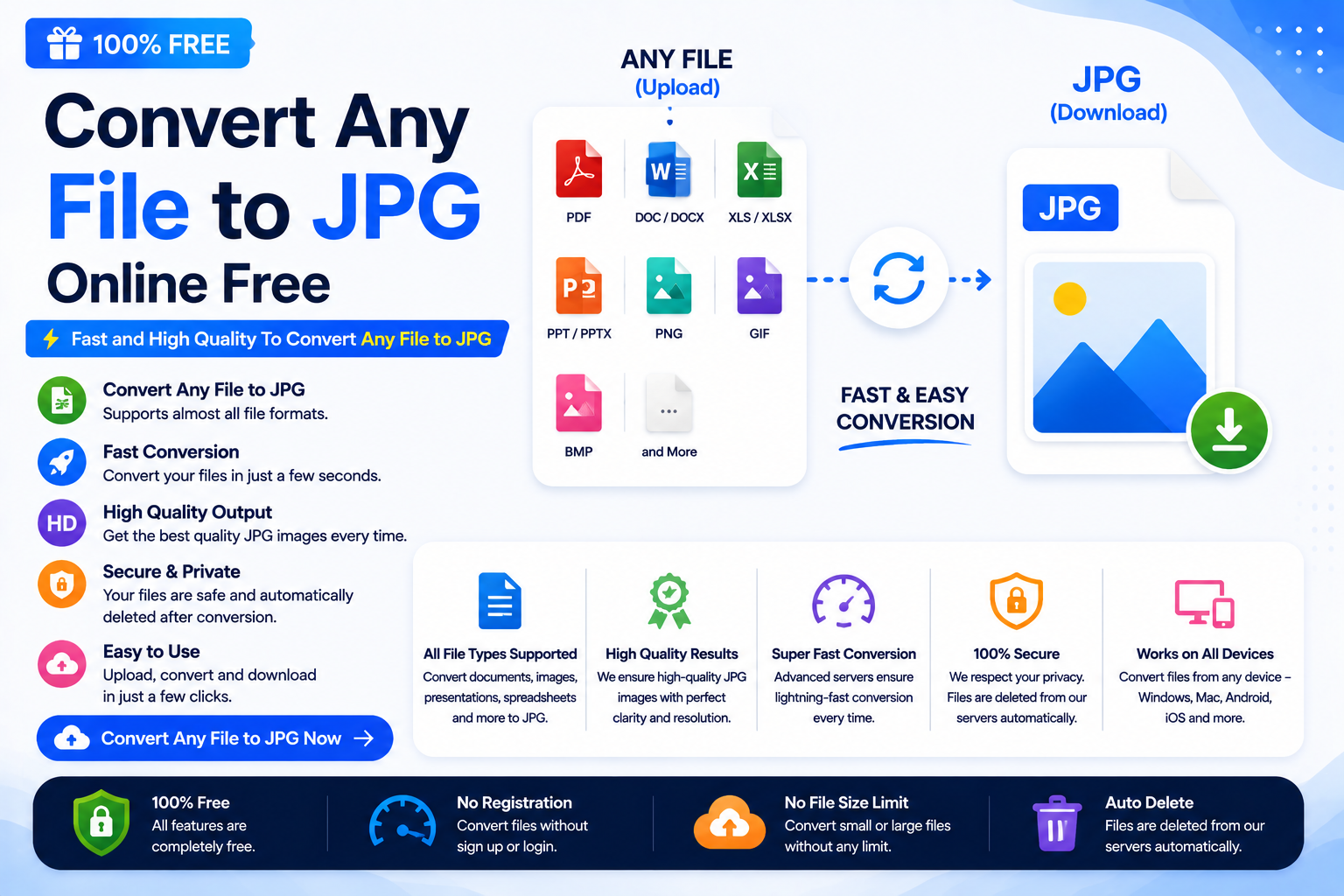
Convert Any File to JPG online when you need to turn PNG, WebP, HEIC, BMP, TIFF, GIF, SVG, PDF pages, or other supported files into a widely compatible JPG image.
Images are one of the most commonly used digital files today. Whether you’re uploading profile pictures, submitting online forms, creating websites, sharing photos, or printing documents, you’ve probably come across the JPG (JPEG) format.
However, many files are not originally saved as JPG. You may have images in formats such as PNG, WebP, HEIC, BMP, TIFF, SVG, or even PDF pages that need to be converted before they can be used on certain websites or applications.
That’s where a Convert Any File to JPG tool becomes useful.
If you’re a beginner, student, developer, designer, blogger, or digital marketer, this guide will explain everything you need to know about converting files to JPG in simple language.
You’ll also learn why JPG remains one of the most popular image formats and how to convert files instantly using our free online tool.
👉 Convert your files here:
https://codexjunction.com/apps/any-file-to-jpg.html
What Is a JPG File and How to Convert Any File to JPG?
JPG (also called JPEG) stands for Joint Photographic Experts Group, the organization that created this image compression standard.
JPG is one of the most widely supported image formats across:
- Windows
- macOS
- Linux
- Android
- iPhone
- Web Browsers
- Microsoft Office
- Adobe Applications
- WordPress
- Social Media Platforms
Its popularity comes from its excellent balance between image quality and file size.
Why Convert Any File to JPG?
Many modern devices save images in newer formats like WebP or HEIC.
While these formats are excellent, not every website or application supports them.
Convert Any File to JPG to get several practical benefits:
- Universal compatibility
- Easy sharing
- Smaller file sizes
- Faster uploads
- Better printing support
- Works on almost every device
- Accepted by most government and educational portals
What File Types Can You Convert to JPG?
Most online converters support multiple formats.
You can typically convert:
- PNG to JPG
- WebP to JPG
- HEIC to JPG
- TIFF to JPG
- BMP to JPG
- GIF to JPG
- SVG to JPG
- PDF Pages to JPG
- ICO to JPG
- AVIF to JPG (depending on support)
This makes JPG a practical destination format when you Convert Any File to JPG.
Use Our Free Convert Any File to JPG Converter
Need a quick and secure solution?
Use our free browser-based converter:
👉 https://codexjunction.com/apps/any-file-to-jpg.html
Simply:
- Upload your file.
- Click Convert.
- Download your JPG image instantly.
No software installation is required, and your files are processed directly in your browser for better privacy and speed.
Understanding the Most Common Image Formats
Before converting, it helps to know what each format is best suited for.
PNG
PNG is ideal for images with transparent backgrounds, logos, and graphics.
Advantages:
- Supports transparency
- High quality
- Great for logos
Disadvantage:
- Larger file sizes
Converting PNG to JPG reduces file size but removes transparency.
WebP
WebP is Google’s modern image format.
Advantages:
- Smaller files
- Excellent compression
- Great for websites
However, some older software doesn’t support WebP, making JPG a better choice for compatibility.
HEIC
HEIC is Apple’s default image format on iPhones.
Advantages:
- Very efficient storage
- High image quality
Many websites still require JPG instead, making HEIC to JPG conversion common.
BMP
BMP stores images without compression.
Advantages:
- Excellent quality
Disadvantages:
- Extremely large files
Converting BMP to JPG dramatically reduces file size.
TIFF
TIFF is commonly used in printing and professional photography.
Advantages:
- Lossless quality
- Professional editing
Disadvantages:
- Very large files
JPG is often preferred for sharing online.
GIF
GIF supports simple animations.
When converted to JPG:
- Animation is removed.
- A single image frame is saved.
Why JPG Is Still Popular
Even after decades, JPG remains the most widely accepted image format.
Reasons include:
- Compatible with almost every device
- Accepted on websites
- Supported by printers
- Easy to email
- Ideal for social media uploads
- Excellent balance of quality and size
How JPG Compression Works
JPG uses lossy compression.
This means some image data is removed to create smaller files.
For photographs, this usually doesn’t affect visual quality much, while significantly reducing file size.
Example:
| FormatFile Size | |
|---|---|
| PNG | 5 MB |
| BMP | 18 MB |
| TIFF | 24 MB |
| JPG | 1.2 MB |
JPG vs PNG
| FeatureJPGPNG | ||
| File Size | Smaller | Larger |
| Transparency | No | Yes |
| Best For | Photos | Logos |
| Website Uploads | Excellent | Good |
| Printing | Excellent | Good |
JPG vs WebP
| FeatureJPGWebP | ||
| Browser Support | Excellent | Excellent |
| Compatibility | Universal | Modern |
| Compression | Good | Better |
| Editing Support | Excellent | Good |
JPG vs HEIC
| FeatureJPGHEIC | ||
| Compatibility | Universal | Apple Focused |
| Compression | Good | Excellent |
| Website Support | Excellent | Limited |
When Should You Convert Any File to JPG?
Convert Any File to JPG when:
- Uploading passport photos
- Applying for jobs
- Filling online forms
- Sharing images by email
- Uploading to websites
- Posting on social media
- Printing photographs
- Creating presentations
Step-by-Step Guide to Convert Any File to JPG
The Convert Any File to JPG process is simple:
Step 1
Open the converter.
👉 https://codexjunction.com/apps/any-file-to-jpg.html
Step 2
Upload your file.
Step 3
Wait for processing.
Step 4
Download the JPG image.
No technical skills are required.
Benefits of Convert Any File to JPG Online
Online Convert Any File to JPG tools eliminate the need for installing software.
Advantages include:
- Fast conversion
- Works on mobile
- Works on desktop
- No registration
- Browser-based
- Easy to use
- Free access
Is Converting to JPG Safe?
Yes, if you use a trusted converter.
Our browser-based tool processes files securely, helping keep your data private without unnecessary uploads to third-party software.
Does JPG Improve Website Performance?
Compared to large PNG or BMP images, JPG files are generally much smaller.
Smaller images help:
- Reduce page load time
- Improve user experience
- Lower bandwidth usage
- Speed up image-heavy pages
For modern websites, WebP is often recommended for the best performance, while JPG remains an excellent option when compatibility is the priority.
Best Practices When Using JPG Images
To achieve the best results:
- Resize images before uploading.
- Use descriptive filenames.
- Add SEO-friendly alt text.
- Compress large images.
- Avoid repeatedly re-saving JPG files, as quality may decrease.
- Store original copies separately if future editing is required.
Common Mistakes Beginners Make
Many users unknowingly reduce image quality or create unnecessarily large files.
Avoid these mistakes:
- Uploading images directly from cameras without resizing.
- Saving logos as JPG when transparency is needed.
- Using very high resolution for small website images.
- Ignoring file size limits on online forms.
- Repeatedly converting the same image multiple times.
Who Should Convert Any File to JPG?
JPG is ideal when you Convert Any File to JPG for:
Students
Submitting assignments and project images.
Bloggers
Uploading optimized images.
Developers
Building websites with widely supported image formats.
Designers
Sharing previews with clients.
Businesses
Uploading product photos to websites and marketplaces.
Digital Marketers
Creating images for advertisements, landing pages, and social media.
SEO Benefits of Optimized JPG Images
Optimized JPG images contribute to better website performance.
Benefits include:
- Faster page speed
- Improved user experience
- Lower bounce rate
- Better mobile performance
- Reduced hosting bandwidth
- Faster image indexing
For even better optimization, consider converting finished JPG images into WebP where supported.
For additional image optimization guidance, see Google’s image optimization guide.
Frequently Asked Questions (FAQs)
Is JPG the same as JPEG?
Yes.
JPG and JPEG are the same image format. The “.jpg” extension became popular because older operating systems supported only three-character file extensions.
Can I convert PNG to JPG?
Yes.
PNG images can easily be converted to JPG, though transparent backgrounds will become solid (usually white).
Can I convert WebP to JPG?
Yes.
WebP files can be converted into JPG for compatibility with older software and websites.
Can I convert PDF pages to JPG?
Yes.
Most converters allow each PDF page to be exported as a separate JPG image.
Will image quality decrease?
Some quality loss may occur because JPG uses lossy compression. Choosing a higher quality setting minimizes visible differences.
Can I convert HEIC to JPG?
Yes.
HEIC images from iPhones can be converted for use on Windows, Android, and websites.
Is JPG supported everywhere?
Almost.
JPG is one of the most universally supported image formats available today.
Related Tools on CodexJunction
To make your workflow easier, explore these useful tools and tutorials available on CodexJunction:
Image Conversion Tools
- Image to WebP Converter
- JPG to PNG Converter
- PNG to JPG Converter
- Image Compressor
- PDF to Image Converter
- Image Resizer
Web Development Resources
- HTML Tutorials
- CSS Tutorials
- JavaScript Tutorials
- React.js Guides
- Frontend Development Roadmap
- Website Optimization Techniques
- Core Web Vitals Guide
- Technical SEO Tutorials
These resources are perfect for beginners, students, developers, and professionals who want to build faster, more efficient websites and applications.
Why Choose the CodexJunction Convert Any File to JPG Converter
Our converter is designed with simplicity and performance in mind.
Features include:
- Free to use
- Beginner-friendly interface
- Fast conversion
- No software installation
- Supports multiple file formats
- Works on desktop and mobile
- Secure browser-based processing
- High-quality JPG output
Whether you’re converting a single image or preparing files for a website, our tool provides a quick and reliable solution.
Final Thoughts on Convert Any File to JPG
Convert Any File to JPG is one of the simplest ways to improve compatibility across devices, applications, and websites. Whether you’re working with PNG, WebP, HEIC, TIFF, BMP, GIF, or PDF files, converting them to JPG ensures they can be viewed and shared almost anywhere.
For beginners, using an online converter removes the need for complex software. For developers and digital marketers, JPG remains a practical format for sharing assets, optimizing workflows, and ensuring broad support across platforms.
If you’re looking for a fast, secure, and easy-to-use solution, try the CodexJunction Any File to JPG Converter today.
👉 Convert Any File to JPG Online:
https://codexjunction.com/apps/any-file-to-jpg.html
Start converting your files in seconds and enjoy universal compatibility with one of the world’s most trusted image formats.