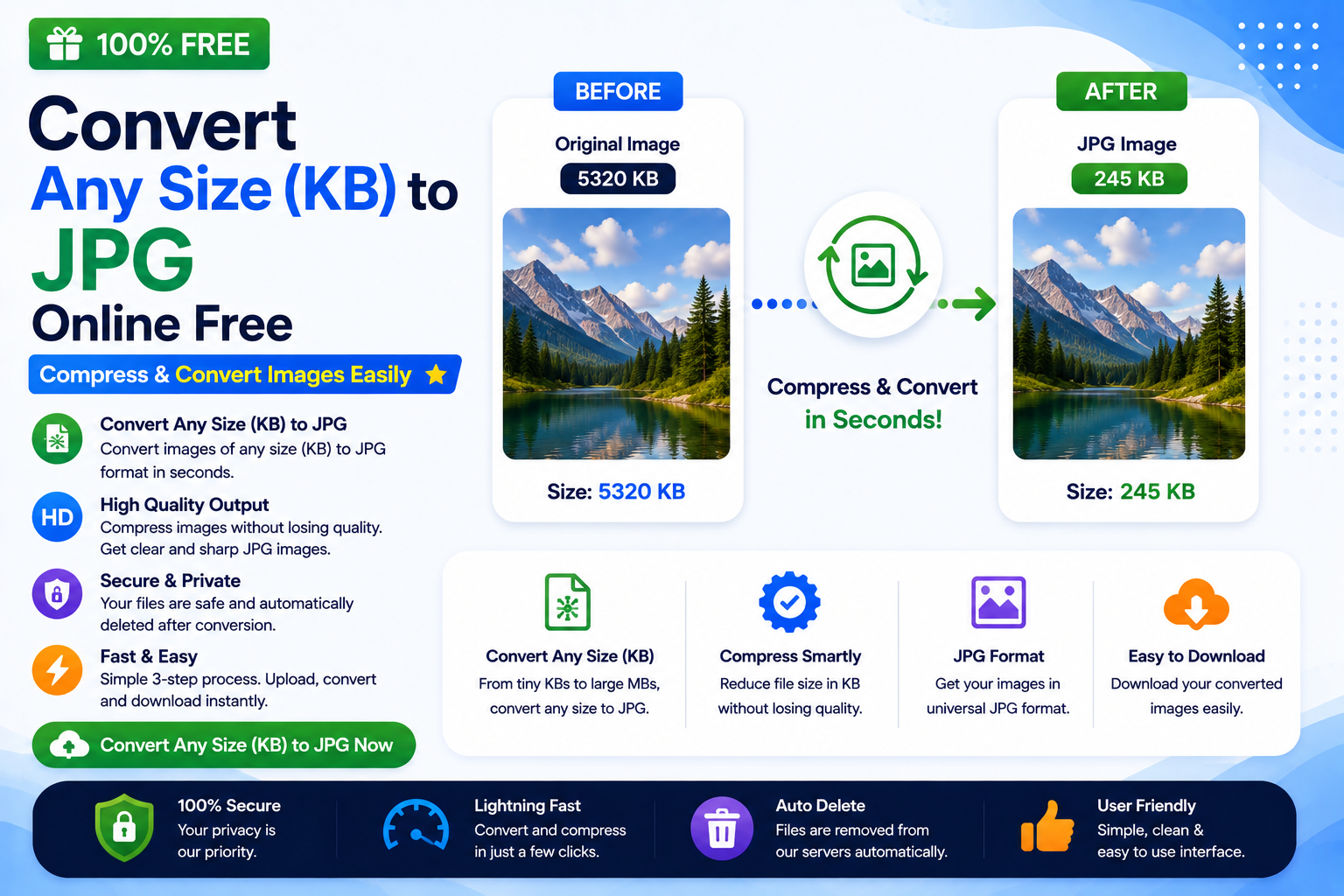
Images are an essential part of our digital lives. Whether you’re uploading passport photos, applying for government jobs, submitting online forms, sending email attachments, or publishing images on your website, one common requirement often appears:
“Upload an image in JPG format under a specific KB size.”
For example, you may see requirements like:
- Image should be less than 20 KB
- Signature should be under 50 KB
- Passport photo must be 100 KB
- Profile picture should be 200 KB
- Maximum image size 500 KB
Many beginners become confused because changing an image format is different from reducing its file size.
This guide explains everything you need to know about Convert Any Size (KB) to JPG while optimizing images to a specific KB size. The explanations are written in simple language, making them easy to understand for students, freshers, developers, and anyone new to image optimization.
If you’re looking for a quick solution, use our free online tool:
👉 https://codexjunction.com/apps/any-size(kb)-to-jpg.html
Convert Any Size (KB) to JPG online when you need to turn an image into JPG while meeting a specific KB limit. This is useful for government forms, passport applications, college admissions, job applications, banking KYC, email attachments, and website uploads.
What Does Convert Any Size (KB) to JPG Mean?
Many people think it means changing the image dimensions.
Actually, it means optimizing an image so that:
- It is saved in JPG format
- The final file size matches a required limit
For example:
| Original ImageOriginal SizeRequired Output | ||
|---|---|---|
| PNG | 4 MB | JPG under 200 KB |
| HEIC | 6 MB | JPG under 100 KB |
| WebP | 900 KB | JPG under 50 KB |
| BMP | 12 MB | JPG under 500 KB |
The Convert Any Size (KB) to JPG converter automatically compresses the image while keeping the quality as high as possible.
What is KB in Image Size?
KB stands for Kilobyte.
It measures how much storage an image occupies.
Examples:
- 20 KB
- 50 KB
- 100 KB
- 200 KB
- 500 KB
- 1024 KB = 1 MB
The smaller the KB value:
- Faster upload
- Faster download
- Less storage usage
- Better website performance
Why Do Websites Require Images in Specific KB Sizes?
Many online portals limit image sizes because smaller files:
- Upload faster
- Save server storage
- Reduce bandwidth
- Improve application performance
- Prevent extremely large uploads
Common examples include:
- Government recruitment forms
- Passport applications
- College admissions
- Scholarship portals
- Banking KYC
- Visa applications
- Employee ID uploads
- Examination registrations
Common KB Size Requirements
Different websites specify different limits.
Examples include:
- 20 KB
- 30 KB
- 50 KB
- 75 KB
- 100 KB
- 150 KB
- 200 KB
- 300 KB
- 500 KB
Our tool helps Convert Any Size (KB) to JPG while meeting these requirements with minimal quality loss.
Use Our Free Convert Any Size (KB) to JPG Converter
Need a simple and secure solution?
Use our browser-based tool:
👉 https://codexjunction.com/apps/any-size(kb)-to-jpg.html
Features:
- No installation
- Free to use
- Fast processing
- High-quality JPG output
- Beginner-friendly interface
- Works on desktop and mobile
Why JPG is the Most Popular Image Format
JPG (JPEG) remains the most widely accepted image format because it provides:
- Universal compatibility
- Small file sizes
- High image quality
- Fast loading
- Easy sharing
- Broad browser support
Almost every website accepts JPG images.
How JPG Compression Works
JPG uses lossy compression.
Instead of storing every pixel exactly, JPG removes information that the human eye usually cannot notice.
This allows huge reductions in file size.
Example:
Original PNG:
- 5 MB
Converted JPG:
- 350 KB
Visual quality often remains nearly identical.
Difference Between Image Dimensions and File Size
Many beginners confuse these two concepts.
Image Dimensions
Measured in:
- Pixels
Example:
1920 × 1080
This represents the width and height.
File Size
Measured in:
- KB
- MB
Example:
120 KB
This represents how much storage the image occupies.
Reducing dimensions doesn’t always guarantee the desired KB size.
Good JPG compression balances both.
Which Formats Can Be Converted?
Our converter supports many common image formats.
Examples include:
- PNG
- JPEG
- JPG
- WebP
- BMP
- TIFF
- HEIC
- GIF
- ICO
- SVG (where applicable)
Step-by-Step Guide to Convert Any Size (KB) to JPG
Using Convert Any Size (KB) to JPG is easy.
Step 1
Open the converter.
👉 https://codexjunction.com/apps/any-size(kb)-to-jpg.html
Step 2
Upload your image.
Step 3
Choose or enter the desired KB size.
Examples:
- 20 KB
- 50 KB
- 100 KB
- 200 KB
Step 4
Click Convert.
Step 5
Download your optimized JPG.
That’s it.
No software installation required.
Common Uses of Convert Any Size (KB) to JPG
Many organizations request images within strict limits.
Examples include:
Government Applications
Passport photos
Driving license
Recruitment forms
Police verification
Election cards
Educational Institutions
College admissions
University registrations
Scholarship applications
Student ID cards
Corporate Organizations
Employee onboarding
HR portals
Identity cards
Resume uploads
Banking
KYC
PAN uploads
Signature verification
Document submissions
Benefits of Convert Any Size (KB) to JPG
Convert Any Size (KB) to JPG to create optimized images with several advantages.
They:
- Upload quickly
- Save storage
- Reduce bandwidth
- Improve website speed
- Enhance user experience
- Work better on mobile networks
Does Smaller KB Mean Lower Quality?
Not always.
Modern JPG compression algorithms preserve impressive visual quality while significantly reducing file size.
Most users won’t notice any visible difference between a 2 MB image and a well-compressed 150 KB JPG.
Tips to Achieve Better Compression
For best results:
- Resize oversized images before compressing.
- Avoid converting the same image repeatedly.
- Use photos instead of screenshots when possible.
- Save original copies separately.
- Choose an appropriate compression level.
Image Size vs Image Quality
Compression involves balancing:
- Quality
- File size
Higher quality:
- Larger file
Higher compression:
- Smaller file
The goal is to achieve the smallest acceptable size without obvious quality loss.
Why Beginners Face Problems
Many users upload images directly from:
- DSLR cameras
- Smartphones
- Professional cameras
These images often exceed:
- 5 MB
- 10 MB
- 20 MB
Government websites usually reject such large files.
Convert Any Size (KB) to JPG to reduce large images to the required KB limit.
Is JPG Better Than PNG for Small File Sizes?
Generally, yes.
Comparison:
| FeatureJPGPNG | ||
| File Size | Smaller | Larger |
| Photographs | Excellent | Good |
| Transparency | No | Yes |
| Government Forms | Excellent | Good |
Is JPG Better Than WebP?
It depends.
WebP usually offers better compression.
However:
- Some websites only accept JPG.
- Older applications may not support WebP.
In those situations, JPG remains the best option.
Is It Safe to Use Online JPG Converters?
Yes—provided you use trusted tools.
Our browser-based converter is designed to process images efficiently while keeping the workflow simple and secure.
SEO Benefits of Optimized JPG Images
If you own a website, optimized images help improve:
- Page speed
- User experience
- Mobile performance
- Bounce rate
- Bandwidth usage
- Hosting efficiency
Although WebP is often preferred for modern websites, JPG remains widely supported and is still suitable for many use cases.
Best Practices
Follow these recommendations:
✔ Use meaningful filenames.
✔ Add descriptive alt text.
✔ Avoid uploading unnecessarily large images.
✔ Compress images before publishing.
✔ Store original high-resolution copies separately.
✔ Use JPG for photographs.
Common Mistakes Beginners Make
Avoid these mistakes:
Uploading 8 MB images to websites.
Ignoring KB limits.
Repeatedly compressing the same JPG.
Using PNG when transparency isn’t needed.
Saving screenshots as huge PNG files.
Uploading full camera resolution when only a small preview is required.
Who Should Use Convert Any Size (KB) to JPG?
This tool is useful for:
Students
Meeting university upload requirements.
Job Seekers
Uploading passport-size photos and signatures.
Developers
Preparing optimized assets.
Bloggers
Reducing image sizes.
Digital Marketers
Optimizing campaign images.
Businesses
Uploading employee and product photos.
Frequently Asked Questions
Can I convert PNG to JPG under 100 KB?
Yes.
The converter can optimize PNG images into JPG while targeting a smaller file size.
Can I reduce image size to 20 KB?
Yes.
The achievable quality depends on the original image and dimensions.
Will image quality decrease?
Some quality reduction may occur due to JPG’s lossy compression, but modern algorithms minimize visible differences.
Is JPG accepted everywhere?
Almost every website, application, and operating system supports JPG.
Can I compress images without installing software?
Yes.
Our browser-based converter works online without requiring downloads or installation.
Is this tool free?
Yes.
You can use the Convert Any Size (KB) to JPG converter without paying any fees.
Related Tools on CodexJunction
Expand your productivity with more image utilities and learning resources available on CodexJunction.
Image Tools
- Image to WebP Converter
- Any File to JPG Converter
- PNG to JPG Converter
- JPG to PNG Converter
- Image Compressor
- Image Resizer
- PDF to Image Converter
- Image Crop Tool
Web Development Tutorials
Learn more with beginner-friendly guides on:
- HTML Tutorials
- CSS Tutorials
- JavaScript Tutorials
- React.js Basics
- Frontend Development Roadmap
- Website Performance Optimization
- Core Web Vitals Explained
- Technical SEO Guides
These tutorials help beginners build faster, optimized, and SEO-friendly websites while understanding how images impact performance.
Why Choose the CodexJunction Convert Any Size (KB) to JPG Converter
Our online converter is designed for simplicity, speed, and reliability.
Key features include:
- Free to use
- Browser-based
- No installation required
- Supports multiple image formats
- High-quality JPG output
- Fast processing
- Mobile and desktop compatible
- User-friendly interface
Whether you’re compressing a passport photo, reducing a signature image, or preparing website assets, our tool makes the process straightforward.
Final Thoughts on Convert Any Size (KB) to JPG
Converting images to a specific KB size in JPG format is a common requirement for online forms, educational portals, job applications, banking services, and website optimization. Understanding the difference between image dimensions and file size helps you meet upload requirements without unnecessary frustration.
By using a reliable tool like the CodexJunction Any Size (KB) to JPG Converter, you can quickly optimize images while maintaining good visual quality. The process is simple enough for beginners yet efficient enough for professionals.
If you regularly work with digital images, make file-size optimization a part of your workflow. Smaller JPG files upload faster, consume less storage, improve website performance, and ensure compatibility across almost every platform.
For additional image optimization guidance, see Google’s image optimization guide.
Start optimizing your images today using the CodexJunction Any Size (KB) to JPG Converter and create perfectly sized JPG files in just a few clicks.