
Digital images are used everywhere, from educational assignments and office documents to business reports and online applications. Different devices and software create images in different formats, and one of the formats you may encounter is JFIF (JPEG File Interchange Format).
Although JFIF images are similar to JPG images, many users face compatibility issues when uploading them to websites, sharing them with others, or submitting documents online. Several online portals and applications prefer PDF documents instead of image files.
This is where JFIF to PDF conversion becomes extremely useful.
Converting a JFIF image into a PDF document makes it easier to share, print, organize, archive, and upload while preserving the appearance of the original image.
If you’re looking for a quick and reliable solution, use the CodexJunction JFIF to PDF Converter:
👉 https://codexjunction.com/apps/jfif-to-pdf.html
This comprehensive guide explains everything about JFIF files, PDF documents, and the conversion process in simple language that beginners can easily understand.
What Is a JFIF File?
JFIF (JPEG File Interchange Format) is a file format based on the JPEG image standard.
It was created to make JPEG images easier to exchange between different devices and software applications.
A JFIF file stores compressed image data similar to a JPG image and is commonly generated by:
- Image editing software
- Scanners
- Cameras
- Windows applications
- Online image processing tools
The file extension is:
.jfif
Although JFIF is technically part of the JPEG family, some software and websites do not recognize it as easily as the .jpg extension.
What Is a PDF File?
PDF (Portable Document Format) is one of the most widely used document formats in the world.
PDF files preserve:
- Images
- Text
- Fonts
- Layout
- Page formatting
Unlike image formats, PDF is designed specifically for document sharing.
PDF works consistently across:
- Windows
- macOS
- Linux
- Android
- iPhone
- Tablets
- Web browsers
This universal compatibility makes PDF the preferred format for businesses, schools, universities, and government organizations.
Why Convert JFIF to PDF?
Many users wonder why they should convert a JFIF image into a PDF document.
There are several practical reasons.
Better Compatibility
Many applications support PDF but not JFIF.
Easier Sharing
PDF documents can be sent through email, cloud storage, and messaging apps without compatibility issues.
Professional Appearance
PDF files look more organized and professional than standalone image files.
Online Submission
Many educational institutions, government portals, and businesses require PDF uploads.
Better Printing
PDF preserves page layout and image positioning, making printing more reliable.
Use the Free JFIF to PDF Converter
Convert your JFIF images into PDF documents using the CodexJunction JFIF to PDF Converter.
👉 https://codexjunction.com/apps/jfif-to-pdf.html
Features include:
- Free online conversion
- Browser-based tool
- No registration
- No software installation
- High-quality PDF output
- Fast conversion
- Secure file handling
- Mobile-friendly interface
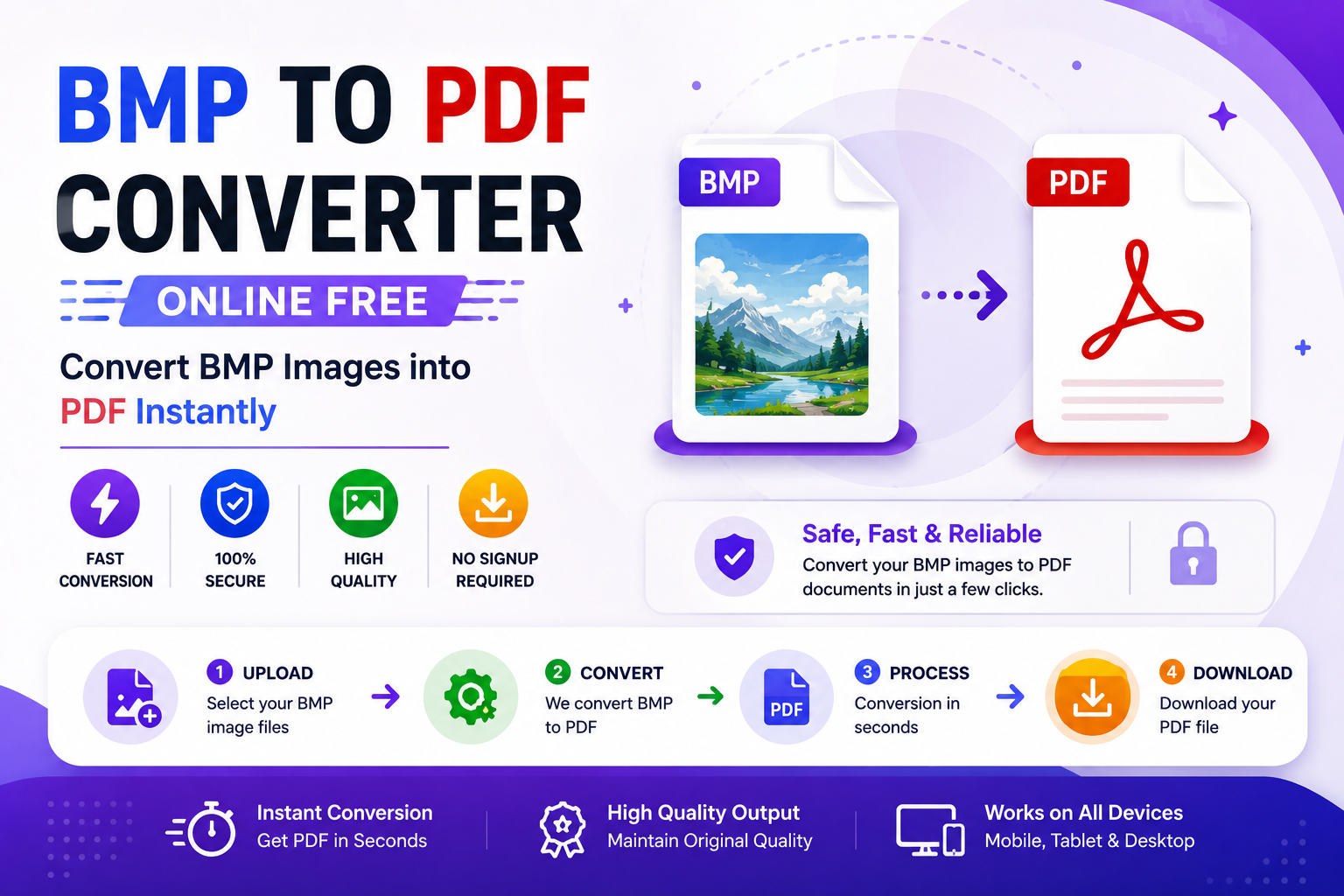
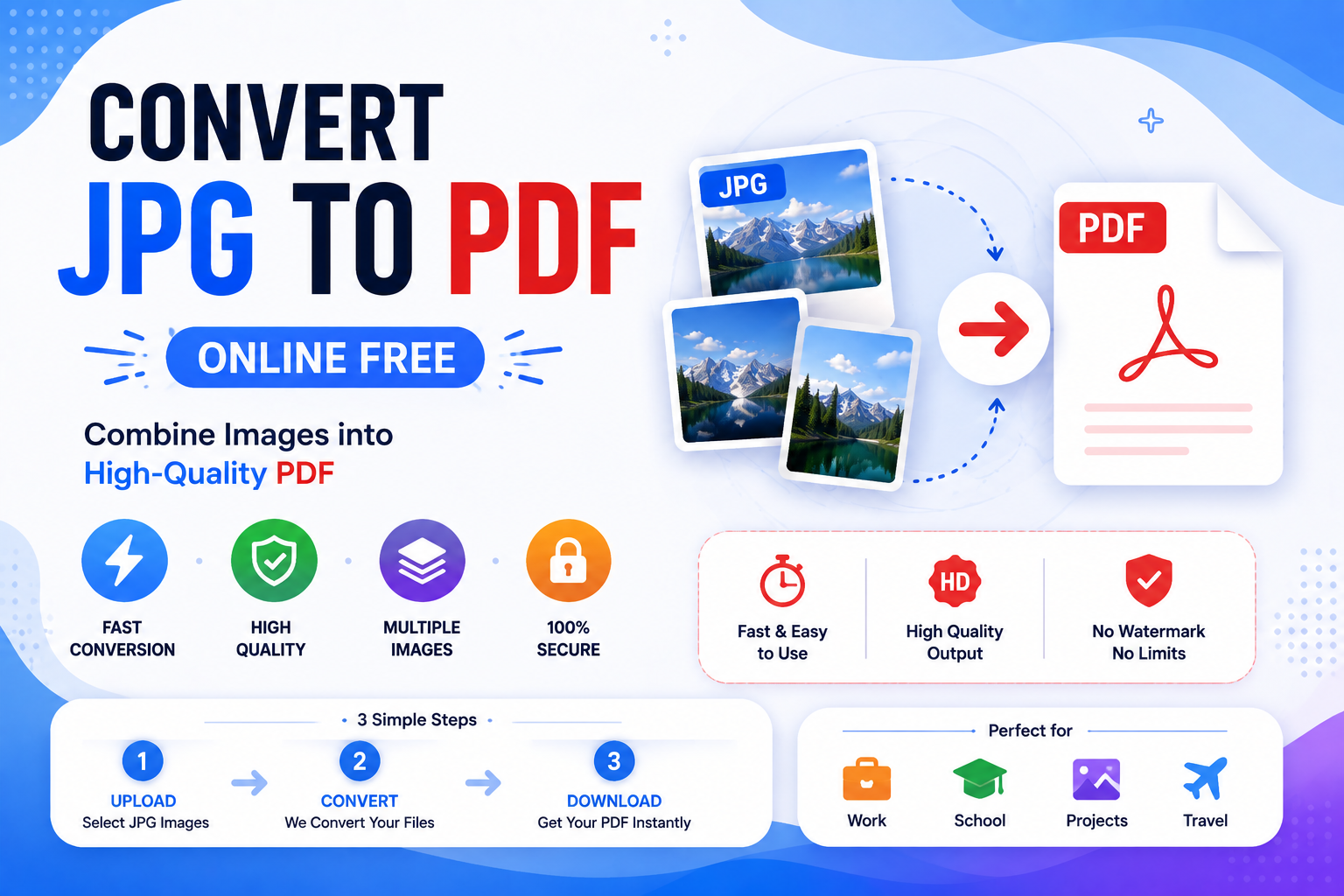
How JFIF to PDF Conversion Works
The conversion process is simple and beginner-friendly.
Step 1 – Upload Your JFIF File
Choose the JFIF image from your computer or smartphone.
Step 2 – Process the Image
The converter reads the image and prepares it for PDF generation.
Step 3 – Create PDF
The image is embedded into a PDF page while preserving its quality.
Step 4 – Download
Save the generated PDF document.
The entire process usually takes only a few seconds.
JFIF vs PDF
| Feature | JFIF | |
|---|---|---|
| File Type | Image | Document |
| Multiple Pages | No | Yes |
| Printing | Good | Excellent |
| Sharing | Moderate | Excellent |
| Universal Compatibility | Moderate | Excellent |
| Professional Documentation | Limited | Excellent |
| Layout Preservation | Image Only | Complete Document |
Benefits of Converting JFIF to PDF
Converting JFIF images into PDF provides many advantages.
Easy File Organization
Multiple images can be combined into one PDF.
Better Document Management
PDF simplifies storage and archiving.
Improved Accessibility
Almost every device supports PDF viewing.
Faster Document Submission
Educational portals and office systems commonly request PDF files.
Professional File Format
PDF is widely recognized as the standard document format.
Common Use Cases
JFIF to PDF conversion is useful for:
- Assignment submissions
- Scanned documents
- Business reports
- Certificates
- Identity documents
- Receipts
- Invoices
- Medical reports
- Legal paperwork
- Educational records
JFIF to PDF for Students
Students frequently convert:
- Homework
- Assignments
- Notes
- Certificates
into PDF format before uploading them to school or university portals.
JFIF to PDF for Businesses
Businesses convert JFIF images into PDF for:
- Employee records
- Customer documents
- Contracts
- Product documentation
- Expense reports
PDF improves organization and professional communication.
JFIF to PDF for Developers
Developers often document:
- UI screenshots
- Software reports
- Bug evidence
- Application walkthroughs
Converting images into PDF simplifies documentation.
JFIF to PDF for Designers
Graphic designers frequently convert:
- Mockups
- Proofs
- Draft designs
into PDF documents for client review.
Why PDF Is Better for Documentation
Although image files display visual content, PDF provides additional benefits.
Multi-page Support
Combine multiple images into one document.
Consistent Layout
Every user sees the same formatting.
Universal Acceptance
PDF is accepted by:
- Universities
- Businesses
- Government departments
- Banks
- Healthcare organizations
Better Printing
PDF produces consistent print results.
Does JFIF to PDF Reduce Quality?
No.
A quality converter preserves the original image while placing it inside the PDF document.
The PDF acts as a container for the image rather than altering its appearance.
Is JFIF Better Than JPG?
Technically, JFIF belongs to the JPEG family.
For everyday users:
- Image quality is similar.
- Compression is similar.
- The main difference is compatibility.
Many users convert JFIF to JPG or PDF because these formats are more widely recognized.
Is JFIF to PDF Safe?
Yes.
Browser-based converters allow secure processing without installing additional software.
Trusted tools like CodexJunction provide a safe and reliable conversion experience.
Best Practices Before Converting JFIF to PDF
To achieve the best results:
- Use high-quality images.
- Rotate images correctly.
- Remove unnecessary borders.
- Keep backup copies.
- Arrange pages logically if converting multiple images.
Common Mistakes Beginners Make
Avoid these common issues.
Uploading Low-Resolution Images
Higher-quality source images create better PDFs.
Incorrect Image Orientation
Rotate images before converting.
Using Multiple Separate PDFs
Combine related images into one document whenever possible.
Deleting Originals
Always keep the original JFIF image as a backup.
Can I Combine Multiple JFIF Images?
Yes.
Multiple JFIF images can be merged into a single PDF document.
This simplifies:
- Sharing
- Printing
- Archiving
- Document management
Why PDF Is the Preferred Document Format
PDF has become the international standard because it offers:
- Stable formatting
- Cross-platform compatibility
- High-quality printing
- Long-term archiving
- Multi-page documents
Almost every professional organization uses PDF.
Frequently Asked Questions (FAQs)
What is JFIF?
JFIF stands for JPEG File Interchange Format and is based on the JPEG image standard.
What is PDF?
PDF stands for Portable Document Format and is used for professional document sharing.
Can I convert JFIF to PDF online?
Yes.
The CodexJunction JFIF to PDF Converter works directly in your browser.
Is JFIF to PDF free?
Yes.
The converter is completely free.
Will image quality change?
No.
A quality converter preserves the original image.
Can I use the converter on mobile?
Yes.
The tool works on Android, iPhone, tablets, laptops, and desktop computers.
Do I need software?
No.
Everything works online.
Related Tools on CodexJunction
If you regularly work with images and documents, explore these useful tools available on CodexJunction.
PDF Tools
- JFIF to PDF Converter
- JPG to PDF Converter
- PNG to PDF Converter
- BMP to PDF Converter
- TIFF to PDF Converter
- PDF to JPG Converter
- PDF Compressor
- PDF Merger
- PDF Splitter
Image Conversion Tools
- JFIF to JPG Converter
- PNG to JPG Converter
- JPG to PNG Converter
- JPG to WebP Converter
- PNG to WebP Converter
- WebP to JPG Converter
- AI to JPG Converter
- Image Compressor
- Image Resizer
Other Utilities
- TXT to JPG Converter
- MOV to JPG Converter
- JPG to ZIP Converter
- QR Code Generator
- File Conversion Tools
Learn Programming with CodexJunction
CodexJunction is more than an online file conversion platform.
It also provides beginner-friendly educational content covering:
- HTML Tutorial
- CSS Tutorial
- JavaScript Tutorial
- TypeScript Guide
- React.js Tutorial
- Next.js Guide
- Node.js Tutorial
- Express.js Tutorial
- Python Programming
- Java Programming
- C Programming
- C++ Tutorial
- SQL Tutorial
- MongoDB Guide
- Git & GitHub Tutorials
- Data Structures and Algorithms (DSA)
- Frontend Development Roadmap
- Backend Development Roadmap
- Full Stack Development Guide
- Technical SEO Tutorials
- Core Web Vitals Explained
- Website Performance Optimization
- Image Optimization Techniques
- Technical Interview Questions
These tutorials help students, freshers, and professionals build practical knowledge in programming, software development, and modern web technologies.
Why Choose the CodexJunction JFIF to PDF Converter?
The CodexJunction JFIF to PDF Converter is designed for users of every experience level.
Advantages include:
- Completely free
- Browser-based conversion
- No registration required
- No software installation
- High-quality PDF output
- Fast processing
- Beginner-friendly interface
- Secure file handling
- Compatible with Windows, macOS, Linux, Android, and iOS
Whether you’re converting one JFIF image or multiple documents, the tool provides fast and reliable results.
Convert JFIF to PDF Online Now
Ready to convert your JFIF images into professional PDF documents?
Use the CodexJunction JFIF to PDF Converter:
👉 https://codexjunction.com/apps/jfif-to-pdf.html
No installation.
No registration.
Fast conversion.
Secure browser-based processing.
Perfect for students, professionals, businesses, developers, designers, and everyday users.
Final Thoughts
JFIF is a reliable image format based on the JPEG standard, but it is not always the most convenient option for sharing or submitting documents. Many online platforms, educational institutions, and professional organizations prefer PDF because it provides better compatibility, preserves formatting, supports multiple pages, and works consistently across all devices.
Converting JFIF images to PDF is a simple yet effective way to improve document organization, streamline file sharing, and create professional-looking files suitable for printing, archiving, and online submissions.
Whether you’re a student uploading assignments, a business managing records, a designer presenting artwork, or a developer documenting projects, the CodexJunction JFIF to PDF Converter offers a fast, secure, and beginner-friendly solution.
With no software installation, no registration, and quick browser-based processing, you can convert JFIF images into high-quality PDF documents in just a few clicks. Explore the complete collection of image converters, PDF utilities, and web development tutorials on CodexJunction to boost your productivity and technical knowledge.
Comments