
If you’ve ever transferred photos from an iPhone to a Windows computer or tried uploading an image to a website, you may have encountered a file with the .HEIC extension. While this modern image format offers excellent quality with smaller file sizes, many websites, applications, and older devices still don’t support it.
That’s why converting HEIC to JPG has become one of the most common image conversion tasks.
JPG is universally accepted across almost every operating system, browser, editing software, printer, and website. Whether you’re applying for a job, uploading passport photos, sharing pictures with friends, creating website content, or printing memories, JPG remains the safest and most compatible image format.
If you’re looking for a quick and secure solution, use our free online converter:
👉 https://codexjunction.com/apps/heic-to-jpg.html
This guide explains everything you need to know about HEIC, JPG, image conversion, compatibility, and optimization in beginner-friendly language. It is also useful for web developers, bloggers, designers, digital marketers, and anyone working with digital images.
What is a HEIC File?
HEIC stands for High Efficiency Image Container.
It is based on the HEIF (High Efficiency Image Format) standard and uses advanced image compression technology to store photos efficiently.
Apple introduced HEIC as the default image format for:
- iPhone
- iPad
- Some macOS devices
The goal was simple:
- Reduce storage usage.
- Maintain excellent image quality.
- Capture more image information than JPG.
HEIC images are commonly created when you take photos using an iPhone running modern versions of iOS.
Why Does Apple Use HEIC?
Apple switched from JPG to HEIC because it offers several advantages.
HEIC files:
- Occupy less storage space.
- Maintain excellent image quality.
- Support high dynamic range (HDR).
- Store multiple images in one file.
- Preserve advanced photo editing information.
For example:
| Format | Approximate File Size |
|---|---|
| JPG | 5 MB |
| HEIC | 2.5 MB |
Both images may look almost identical, but the HEIC version uses nearly half the storage.
What is JPG?
JPG (or JPEG) stands for Joint Photographic Experts Group, the organization that created the image compression standard.
JPG is one of the oldest and most trusted image formats in the world.
It is supported by:
- Windows
- macOS
- Linux
- Android
- iPhone
- Microsoft Office
- Adobe Photoshop
- Google Chrome
- Firefox
- Safari
- Edge
- WordPress
- Social media platforms
- Government portals
- Educational websites
Because of this universal compatibility, JPG remains the preferred format for sharing images.
Why Convert HEIC to JPG?
Although HEIC is technically superior in terms of compression, compatibility is still limited on some platforms.
Converting HEIC to JPG solves several problems.
Common reasons include:
- Uploading images to websites.
- Sharing photos with Windows users.
- Printing photographs.
- Editing images in older software.
- Uploading passport photos.
- Applying for government jobs.
- Submitting college assignments.
- Creating presentations.
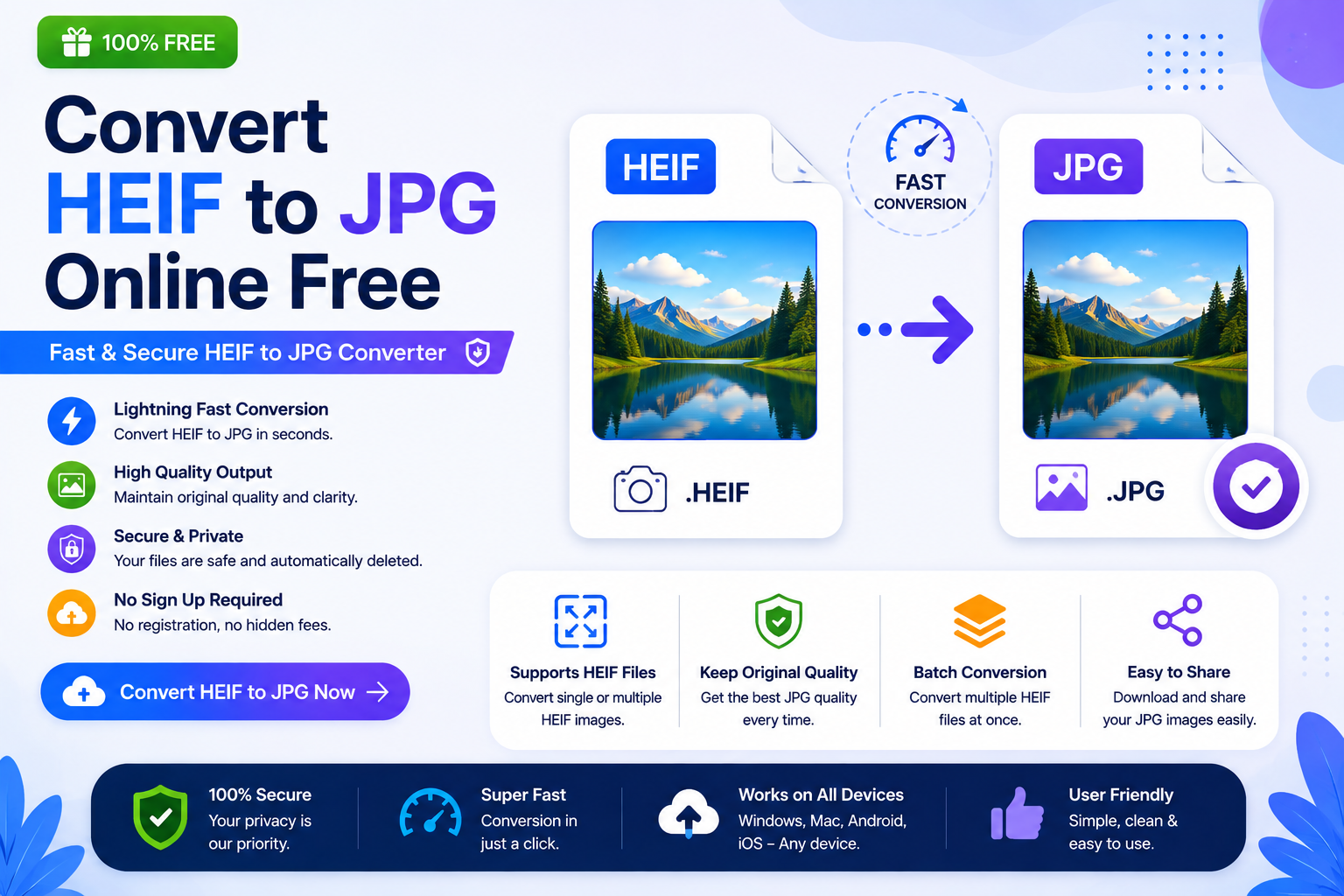
Use Our Free HEIC to JPG Converter
Need to convert iPhone images instantly?
Use our browser-based converter:
👉 https://codexjunction.com/apps/heic-to-jpg.html
How It Works
- Upload your HEIC file.
- Click Convert.
- Download the JPG image.
No software installation.
No registration.
Works on desktop and mobile.
HEIC vs JPG
Understanding the differences helps you choose the right format.
| Feature | HEIC | JPG |
|---|---|---|
| Compression | Excellent | Good |
| Image Quality | Excellent | Very Good |
| File Size | Smaller | Larger |
| Compatibility | Moderate | Universal |
| Editing Support | Limited | Excellent |
| Printing | Moderate | Excellent |
| Website Support | Growing | Universal |
HEIC is great for storing photos on Apple devices.
JPG is ideal for sharing, printing, and uploading.
When Should You Convert HEIC to JPG?
Convert HEIC images when:
- Your computer can’t open HEIC files.
- A website only accepts JPG.
- You’re sending images by email.
- You need to print photographs.
- You’re uploading profile pictures.
- You’re creating website content.
- You’re using image editing software that doesn’t support HEIC.
Why Some Computers Can’t Open HEIC
Many older Windows computers don’t include native HEIC support.
As a result:
- Images fail to open.
- Preview doesn’t work.
- Editing becomes difficult.
Converting to JPG solves these compatibility issues immediately.
How HEIC Compression Works
HEIC uses advanced compression algorithms based on HEVC (High Efficiency Video Coding).
Benefits include:
- Smaller storage usage.
- Better color depth.
- Improved dynamic range.
- High image quality.
This makes HEIC ideal for smartphone photography.
How JPG Compression Works
JPG uses lossy compression.
Instead of preserving every single image detail, JPG removes information that is usually invisible to the human eye.
Benefits:
- Smaller files.
- Faster uploads.
- Better compatibility.
- Reduced bandwidth usage.
Step-by-Step Guide
Converting HEIC images is simple.
Step 1
Visit:
👉 https://codexjunction.com/apps/heic-to-jpg.html
Step 2
Upload your HEIC image.
Step 3
Click Convert.
Step 4
Wait a few seconds.
Step 5
Download your JPG file.
Done.
Benefits of Converting HEIC to JPG
The conversion offers several practical advantages.
Universal Compatibility
JPG works almost everywhere.
Easy Sharing
Share photos through email and messaging apps.
Better Printing
Most printing services prefer JPG.
Website Uploads
Most websites accept JPG without issues.
Editing Support
Nearly every image editor supports JPG.
HEIC vs PNG
| Feature | HEIC | PNG |
|---|---|---|
| Compression | Better | Lossless |
| Transparency | Limited | Yes |
| File Size | Smaller | Larger |
| Photographs | Excellent | Good |
HEIC vs WebP
WebP is Google’s modern web image format.
| Feature | HEIC | WebP |
|---|---|---|
| Compression | Excellent | Excellent |
| Browser Support | Moderate | Excellent |
| Website Usage | Limited | Growing |
JPG vs PNG
| Feature | JPG | PNG |
|---|---|---|
| Compression | Lossy | Lossless |
| File Size | Smaller | Larger |
| Transparency | No | Yes |
| Photographs | Excellent | Moderate |
Common Uses of JPG Images
JPG images are commonly used for:
- Passport photos
- Social media
- Websites
- Blogs
- Product catalogs
- Marketing materials
- Email attachments
- Online forms
- Educational projects
- Office presentations
Does Converting Reduce Image Quality?
Some quality loss may occur because JPG uses lossy compression.
However, modern conversion tools preserve impressive image quality.
Most users cannot visually distinguish between the original HEIC image and a high-quality JPG version.
HEIC to JPG for Students
Students often convert HEIC images when submitting:
- Assignments
- Laboratory reports
- College applications
- Scholarship documents
- Online examinations
Many educational portals only accept JPG files.
HEIC to JPG for Developers
Developers often convert HEIC images while:
- Testing uploads.
- Building websites.
- Preparing UI assets.
- Creating documentation.
Since browsers and applications commonly support JPG, it simplifies development workflows.
HEIC to JPG for Businesses
Businesses convert HEIC files for:
- Product photography.
- Marketing campaigns.
- Employee ID cards.
- Client documentation.
- Website uploads.
JPG offers excellent compatibility across business software.
Website Performance Considerations
Although HEIC files are smaller, browser support is still evolving.
JPG remains a safe choice for:
- Maximum compatibility.
- Universal browser support.
- Reliable uploads.
For modern websites, developers often convert optimized JPG files into WebP for even better performance.
Best Practices
Follow these recommendations.
- Keep original HEIC files.
- Use descriptive filenames.
- Compress large JPG files if necessary.
- Add SEO-friendly alt text.
- Resize oversized images before publishing.
Common Mistakes Beginners Make
Avoid these mistakes:
Uploading HEIC files to unsupported websites.
Deleting original iPhone images immediately.
Using HEIC where JPG is required.
Ignoring image optimization.
Uploading unnecessarily large photos.
Browser Compatibility
JPG images can be viewed directly in:
- Google Chrome
- Mozilla Firefox
- Microsoft Edge
- Safari
- Opera
No special software is needed.
Can I Upload JPG Images to WordPress?
Yes.
WordPress fully supports JPG uploads.
Many bloggers convert HEIC images before publishing because of better compatibility with themes, plugins, and optimization tools.
SEO Tips for JPG Images
To improve search visibility:
- Use descriptive filenames.
- Add meaningful alt text.
- Compress images before uploading.
- Avoid oversized dimensions.
- Organize images into folders.
- Use lazy loading for better performance.
Frequently Asked Questions (FAQs)
What is HEIC?
HEIC is Apple’s High Efficiency Image Container format used on modern iPhones and iPads.
Why convert HEIC to JPG?
To improve compatibility with websites, software, printers, and operating systems.
Is JPG supported everywhere?
Yes.
JPG is one of the most universally supported image formats.
Can Windows open HEIC?
Some newer Windows versions support HEIC with the required codecs, but many systems still require conversion or additional software.
Will image quality decrease?
A small amount of quality loss may occur because JPG uses lossy compression, but the difference is usually minimal.
Is HEIC better than JPG?
HEIC offers better compression and storage efficiency.
JPG offers much better compatibility.
Is this converter free?
Yes.
The CodexJunction HEIC to JPG Converter is completely free to use.
Related Tools on CodexJunction
If you frequently work with images, explore more free tools available on CodexJunction.
Image Conversion Tools
- PNG to JPG Converter
- BMP to JPG Converter
- AVIF to JPG Converter
- GIF to JPG Converter
- WebP to JPG Converter
- Any File to JPG Converter
- Image to WebP Converter
- Image Compressor
- Image Resizer
PDF Tools
- Image to PDF Converter
- PDF to JPG Converter
- Merge PDF
- Split PDF
- Compress PDF
Learn Web Development
Improve your technical knowledge with beginner-friendly tutorials on CodexJunction:
- HTML Tutorials
- CSS Tutorials
- JavaScript Tutorials
- React.js Guides
- Frontend Development Roadmap
- Website Performance Optimization
- Technical SEO Tutorials
- Core Web Vitals Explained
- Image Optimization Best Practices
These learning resources are perfect for students, freshers, developers, bloggers, and professionals who want to build fast, modern, and SEO-friendly websites.
Why Choose the CodexJunction HEIC to JPG Converter?
Our online converter is designed for simplicity, speed, and reliability.
Features include:
- Completely free
- Browser-based conversion
- No software installation
- High-quality JPG output
- Fast processing
- Mobile-friendly
- Desktop compatible
- Secure image conversion
- Beginner-friendly interface
Whether you’re converting iPhone photos, preparing website images, submitting documents, or sharing memories with friends and colleagues, our tool provides a quick and hassle-free solution.
Final Thoughts
HEIC is an advanced image format that helps Apple devices save storage without sacrificing image quality. However, because many websites, applications, and devices still rely on JPG, converting HEIC to JPG remains one of the most practical image conversion tasks.
JPG continues to be the most trusted format for sharing, printing, editing, uploading, and publishing images. It works seamlessly across operating systems, browsers, document editors, and online platforms.
Whether you’re a student submitting assignments, a job seeker uploading passport photos, a developer optimizing website assets, a blogger publishing content, or a business managing digital images, converting HEIC to JPG ensures maximum compatibility and ease of use.
If you’re looking for a fast, secure, and beginner-friendly solution, the CodexJunction HEIC to JPG Converter is the perfect choice.
👉 Convert HEIC to JPG Online:
https://codexjunction.com/apps/heic-to-jpg.html
Start converting your iPhone HEIC images today and enjoy universally compatible JPG files that are ready for websites, online forms, presentations, social media, printing, and professional use.
Comments